Self-Hosted Inventory Software vs SaaS for Wholesalers
Self-hosted inventory software vs SaaS for wholesalers: real 3-year costs, data ownership, when SaaS still wins, and how WholeStock works.

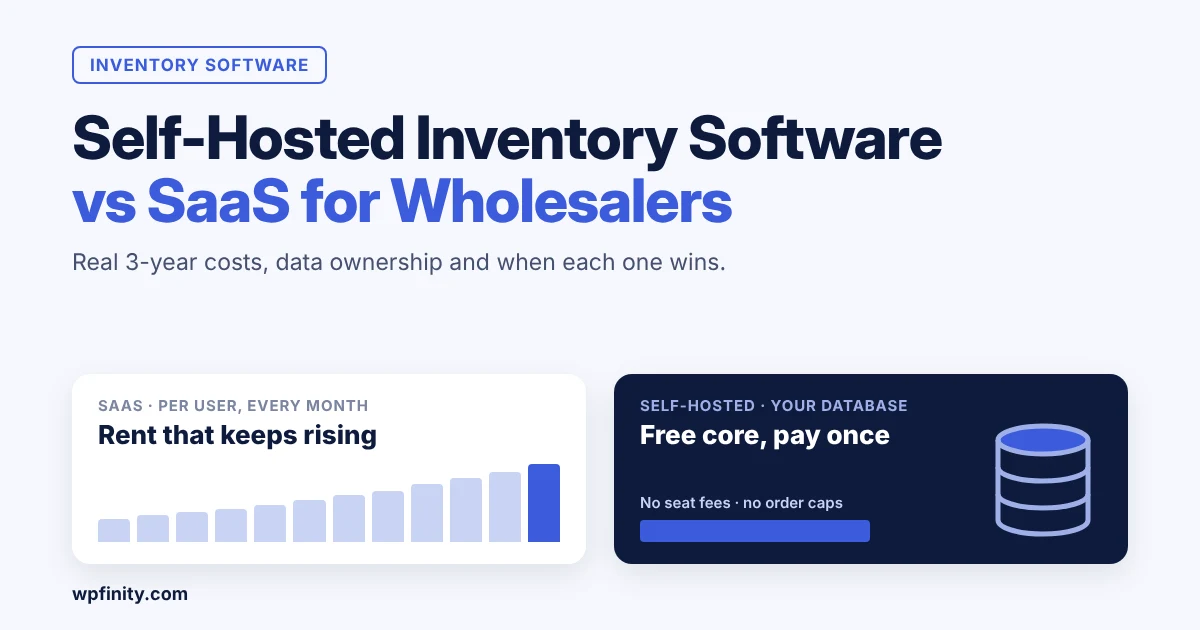
Short answer: Self-hosted inventory software runs on a website you control, so you pay once (or nothing) instead of renting it per user every month. For small wholesalers with several staff, credit customers and years of stock data, self-hosted software usually costs far less over three years and keeps your data in your own database. SaaS still wins if you have no website and no one to run updates.
The renewal email usually arrives at a bad time. Your inventory app wants more per user, your new warehouse helper needs a login, and the plan that covered you last year now caps orders. If that sounds familiar, this guide compares self-hosted inventory software with SaaS in plain numbers, so you can decide before the next invoice. If you want to test the self-hosted route while you read, you can install WholeStock free from WordPress.org.
What is self-hosted inventory software?
Self-hosted inventory software is a stock and order system installed on a server or website you control, with the data stored in your own database. You own the installation and decide when to update it. SaaS (software as a service) inventory software runs on the vendor’s servers, and you pay a recurring fee, often per user, to access it.
For a wholesaler, the difference shows up in three places:
- Cost model: SaaS is rent that rises with users, orders or locations. Self-hosted is usually free or a one-time licence plus hosting.
- Data: with SaaS, your customers, prices and dues live in someone else’s cloud. Self-hosted keeps them in your own database.
- Control: with SaaS, the vendor decides plan limits and price changes. Self-hosted lets you choose what to run and when to upgrade.
WordPress is the easiest place for most small businesses to self-host, because it runs on ordinary hosting and many already have it: W3Techs reports WordPress powers 39.5% of all websites as of November 2026.
Self-hosted vs SaaS inventory software: how do they compare?
Self-hosted wins on long-term cost, data ownership and no per-user fees; SaaS wins on zero setup and fully managed hosting. Here is the side-by-side view for a small distributor:
| Factor | SaaS inventory software | Self-hosted inventory software (WordPress) |
|---|---|---|
| Pricing | Monthly or annual fee, often per user | Free core, optional one-time or annual licence |
| Adding staff | Usually adds a seat fee | No extra cost per user |
| Where data lives | Vendor’s cloud | Your own WordPress database |
| Price changes | Vendor decides at renewal | Free core stays free; lifetime licence paid once |
| Setup | Sign up and start | Install a plugin on your site |
| Hosting and backups | Handled by vendor | Your host or your web person |
| Leaving | Export what the vendor allows | Data is already yours |
What does SaaS inventory software really cost a wholesaler?
The real cost of SaaS inventory software is the rising, per-user fee over several years, not the first month’s price. Software prices are also climbing faster than most costs: Vertice’s SaaS inflation tracker recorded SaaS inflation at a record 16.4% in June 2026 and 14.3% in September 2026, based on early data.
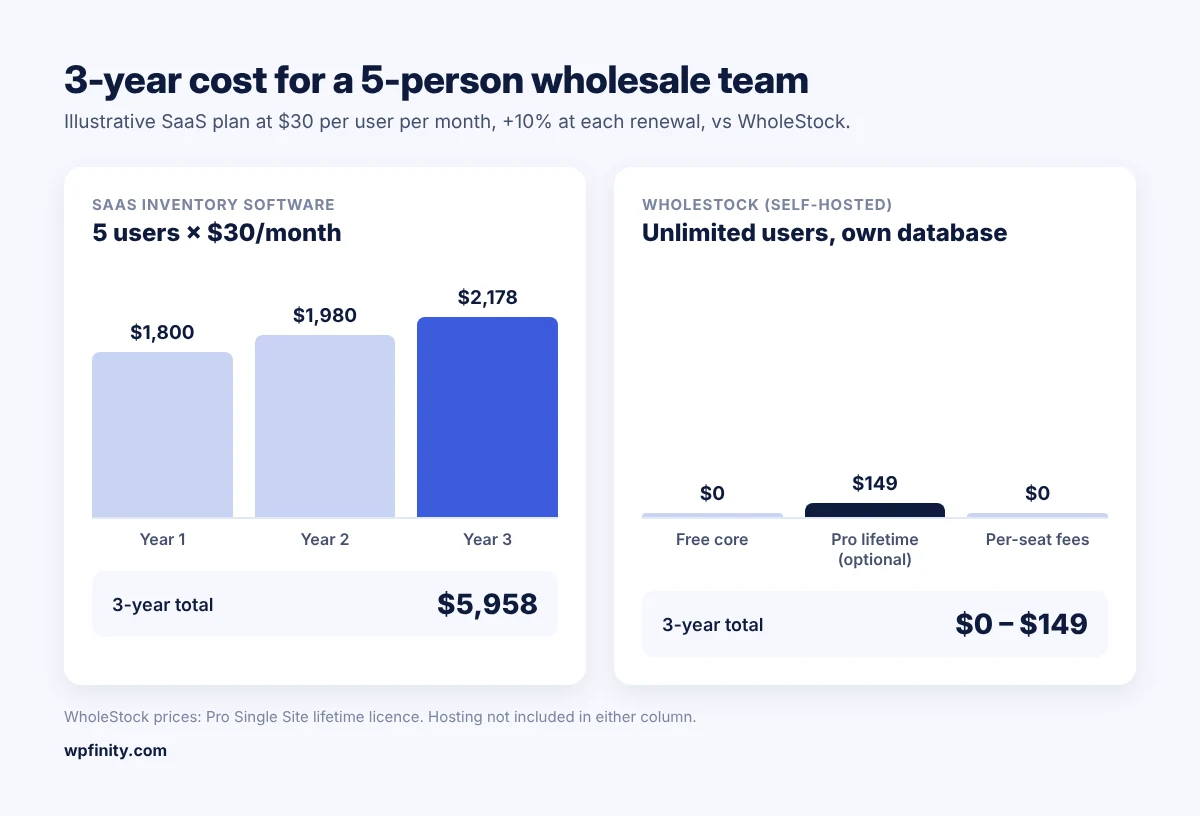
Take an illustrative example. A distributor with 5 staff on a plan at $30 per user per month pays $1,800 in year one. With a 10% increase at each renewal, that becomes $1,980 in year two and $2,178 in year three: $5,958 over three years, and the data still lives on the vendor’s servers.
The same team on WholeStock pays $0 for the free core. If they want analytics and warehouse documents, WholeStock Pro costs $149 once for a single-site lifetime licence. Hosting is the only ongoing cost, and many wholesalers already pay for it.
The cost is not only money. Per-seat pricing pushes owners to share logins, which wrecks your audit trail. Order caps push you to delete old records. Both make it harder to see who changed a price or why a carton went missing.
When is SaaS inventory software still the better choice?
SaaS is the better choice when you have no website, no one to manage updates or backups, or you need a feature only a specific cloud platform offers. Being honest about this saves you a bad switch.
Choose SaaS if:
- You don’t run a website and don’t want to.
- Nobody on your team, or no freelancer, can handle a plugin update or a backup.
- You depend on a specific integration a SaaS tool provides and a WordPress plugin does not.
Choose self-hosted if you already have WordPress (or can set it up on standard hosting), you have several staff who need access, and you want your customer dues and batch costs in a database you own.
Try self-hosted inventory without paying anything
Install WholeStock free on your WordPress site: cartons-to-pieces units, batch tracking, customer dues and invoices, with no per-user fees.
How does WholeStock work as self-hosted inventory software?
WholeStock is a WordPress plugin that turns your site into a self-hosted wholesale inventory system, storing everything in custom tables in your own WordPress database. It works standalone (no WooCommerce needed) and runs on WordPress 6.2+ with PHP 8.0+ on standard hosting.
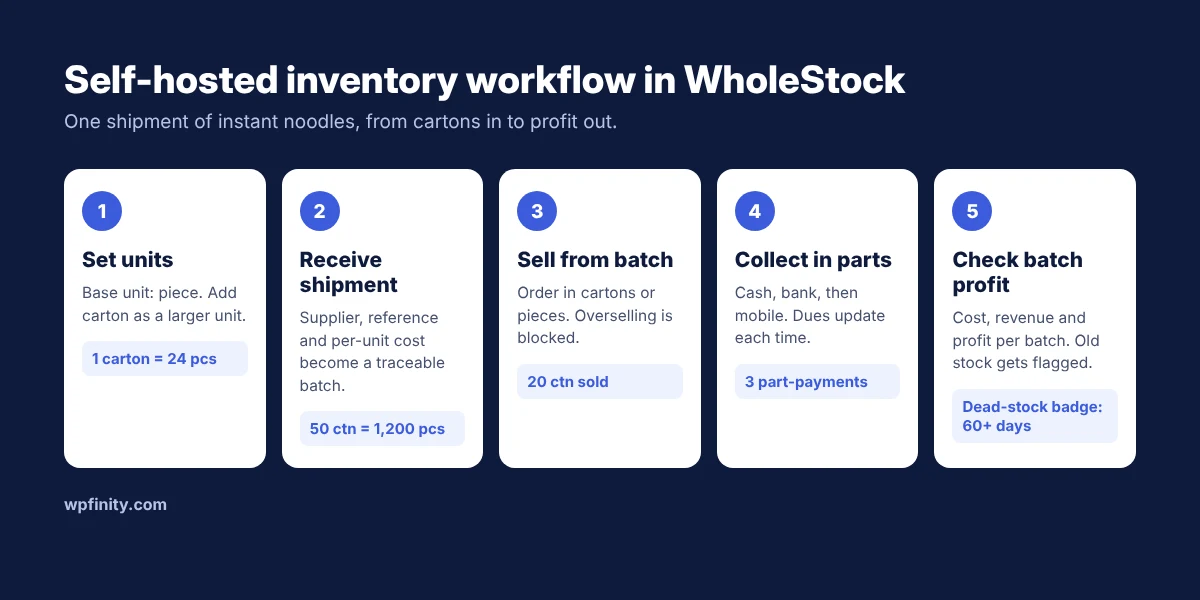
Here is a typical workflow for a small FMCG distributor:
- Set units once. Make “piece” the base unit and add “carton = 24 pieces”. Stock always reconciles in pieces. (More on this in our wholesale inventory management guide.)
- Receive a shipment. Record 50 cartons of instant noodles with the supplier, reference number and per-unit cost. WholeStock turns the line into a traceable batch of 1,200 pieces, and can add shipment costs into the unit cost (how landed cost works).
- Sell from the batch. Create an order for 20 cartons. WholeStock blocks overselling, so you can’t sell stock you don’t have.
- Take payment in parts. The customer pays the invoice in three parts: cash, bank transfer, then mobile money. WholeStock updates the payment status and the customer’s outstanding balance each time (tracking customer dues).
- Check profit and dead stock. Admins see cost, revenue and profit per batch. Any batch older than 60 days with stock left gets a dead-stock badge.
Your staff can log in as Editors and manage customers, orders, payments and stock without seeing cost or profit. Every change is recorded in the audit log, with user, time and before/after values.
When you need more, WholeStock Pro adds revenue, margin and cash-flow analytics, printable picking lists, delivery challans and gate passes, customer ledger statements, order discounts, CSV exports and batch profit reports.
Is self-hosted inventory software safe and hard to maintain?
Self-hosted inventory software on WordPress is as safe as the site it runs on, and maintenance is light. These are the common objections, answered:
- “I’m not technical.” WholeStock has a setup wizard for business details, currency (40+ supported) and number prefixes. Updates install like any WordPress plugin.
- “What about backups?” Your data is in your WordPress database, so your host’s backups or a backup plugin cover it. Test a restore once.
- “Does it send my data anywhere?” No. WholeStock stores data in your own database and does not send customers, prices or stock to external services.
- “Do I need WooCommerce?” No. WholeStock works standalone.
- “What if Pro isn’t right for us?” Pro has a 14-day, 100% money-back guarantee.
Which WholeStock plan fits a growing wholesaler?
Start with the free core; add Pro only when you need analytics and warehouse documents. Pro is priced per site, never per user, with no order caps or monthly fees:
| Plan | Annual | Lifetime (pay once) |
|---|---|---|
| Single Site | $49/year | $149 |
| Business (up to 5 sites) | $99/year | $299 |
| Unlimited Sites | $199/year | $499 |
The Business plan suits a company with separate sites per branch, or an agency setting up WholeStock for several wholesale clients. Learn more on the WholeStock product page.
Frequently asked questions
Is self-hosted inventory software cheaper than SaaS?
Usually, over two years or more. You avoid per-user monthly fees and pay only hosting plus an optional licence. WholeStock’s core is free, and Pro starts at $49 a year or $149 lifetime.
Do I own my data with WholeStock?
Yes. WholeStock stores everything in custom tables in your own WordPress database and does not send your data to external services.
Can I run WholeStock without an online store?
Yes. WholeStock does not need WooCommerce or any storefront. It works as a standalone inventory, order and dues system inside WordPress.
How many staff can use WholeStock?
There are no per-seat fees. Add as many WordPress users as you need; Editors can manage orders and stock without seeing cost or profit.
What hosting does WholeStock need?
WordPress 6.2 or higher and PHP 8.0 or higher. It runs on standard shared or managed hosting.
Is there a refund on WholeStock Pro?
Yes. WholeStock Pro comes with a 14-day, 100% money-back guarantee.
Stop renting your inventory system
Get analytics, picking lists, challans, ledger statements and CSV exports on top of the free core. Pay per site, once if you like, with a 14-day money-back guarantee.

 Wholesale & Inventory
November 1, 2026
Delivery Challan: Format, Uses and How to Make One
What a delivery challan is, what to include, how it differs from an invoice and gate pass, and how wholesalers…
Read more
 Wholesale & Inventory
October 26, 2026
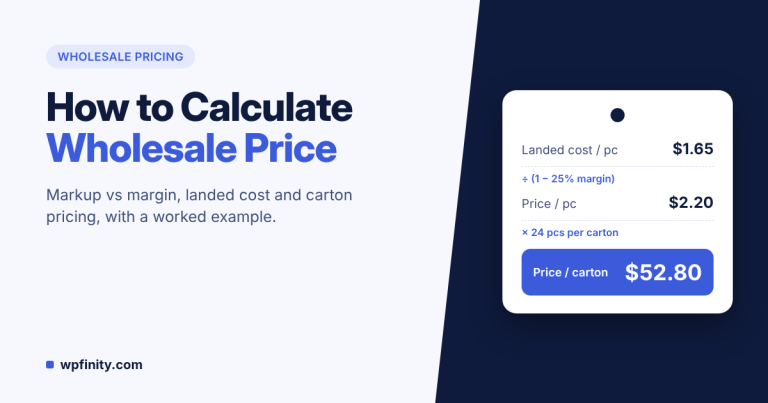
How to Calculate Wholesale Price: Markup vs Margin
Calculate wholesale price the right way: landed cost, margin vs markup, carton pricing, discounts and credit terms, with a worked…
Read more
 Wholesale & Inventory
October 23, 2026
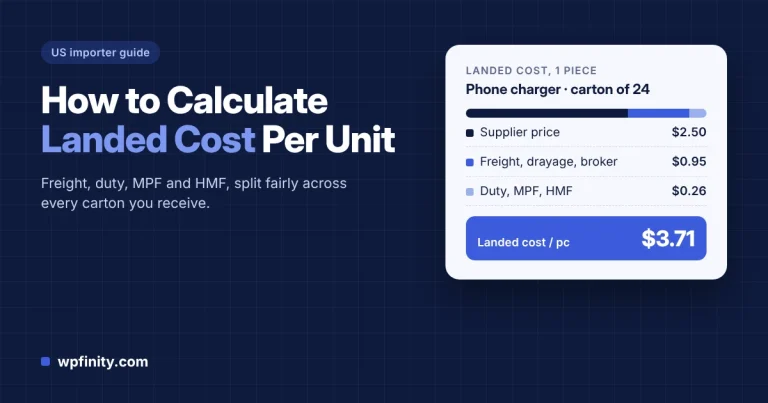
How to Calculate Landed Cost Per Unit for US Importers
Learn how to calculate landed cost per unit for imported wholesale goods, with a worked US example covering freight, duty,…
Read more
Get new articles & release notes in your inbox
Sign up for updates on our upcoming releases. No spam — unsubscribe anytime.